

Owning an online bank account is the normal in the age of digital transactions. It provides a convenient way of managing funds. Whether it could for be savings, business, sending remittance as an OFW for the family, or providing financial credibility.
In this tutorial we will go through the step-by-step process in creating an online bank account in one one of the biggest bank in the Philippines, Bank of the Philippine Islands, or most commonly known as BPI.
The Process
Download the BPI application from the Google Playstore or Apple Appstore. Make sure you are downloading the official applications.
Google Playstore and Apple Appstore
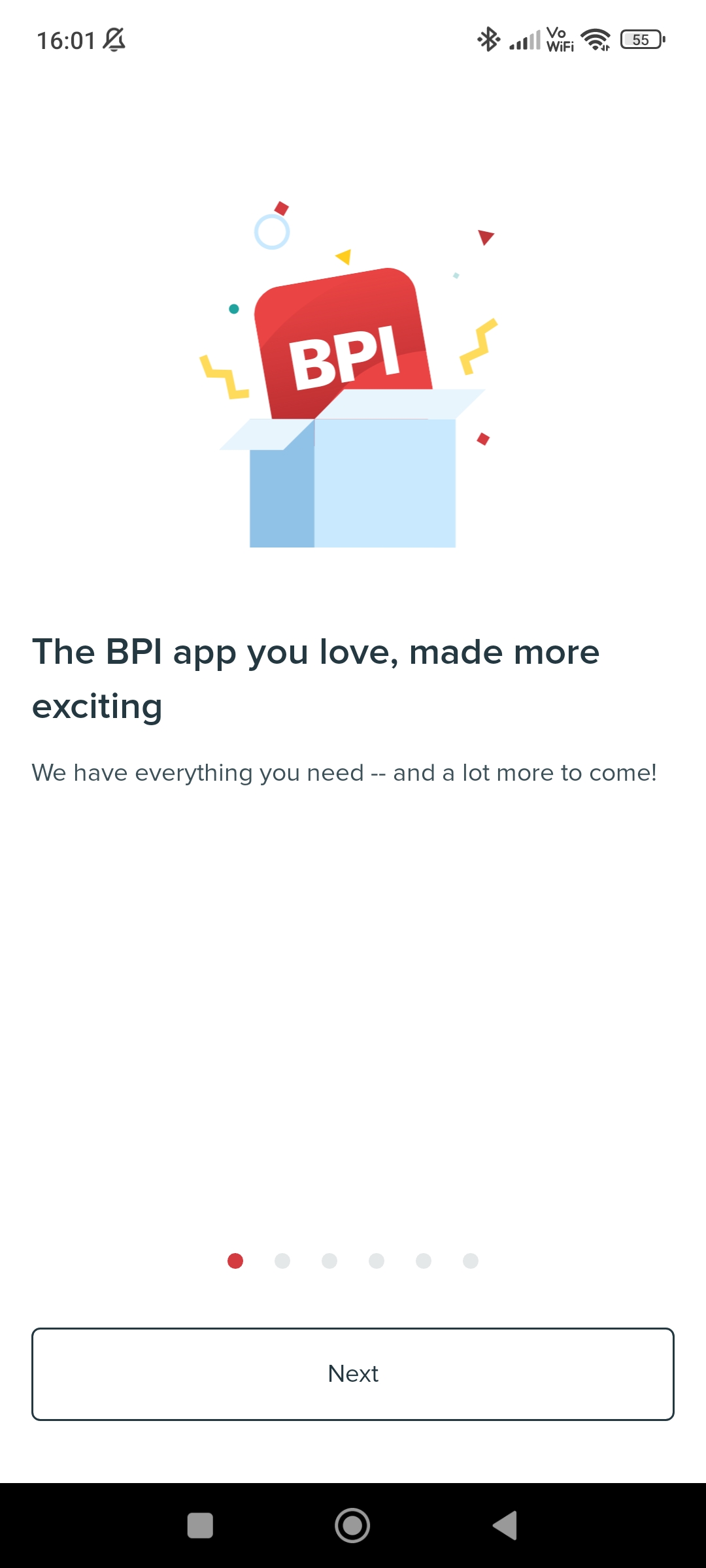
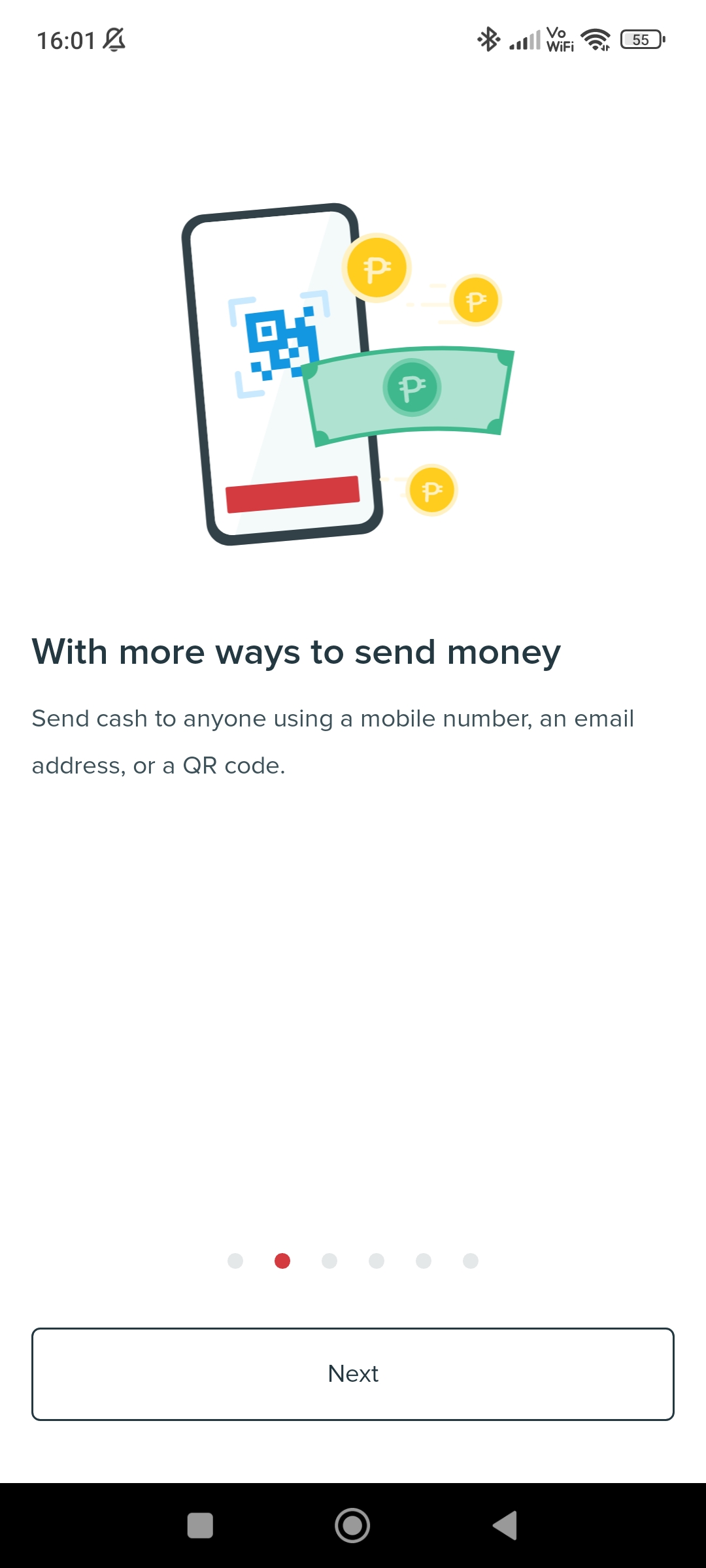
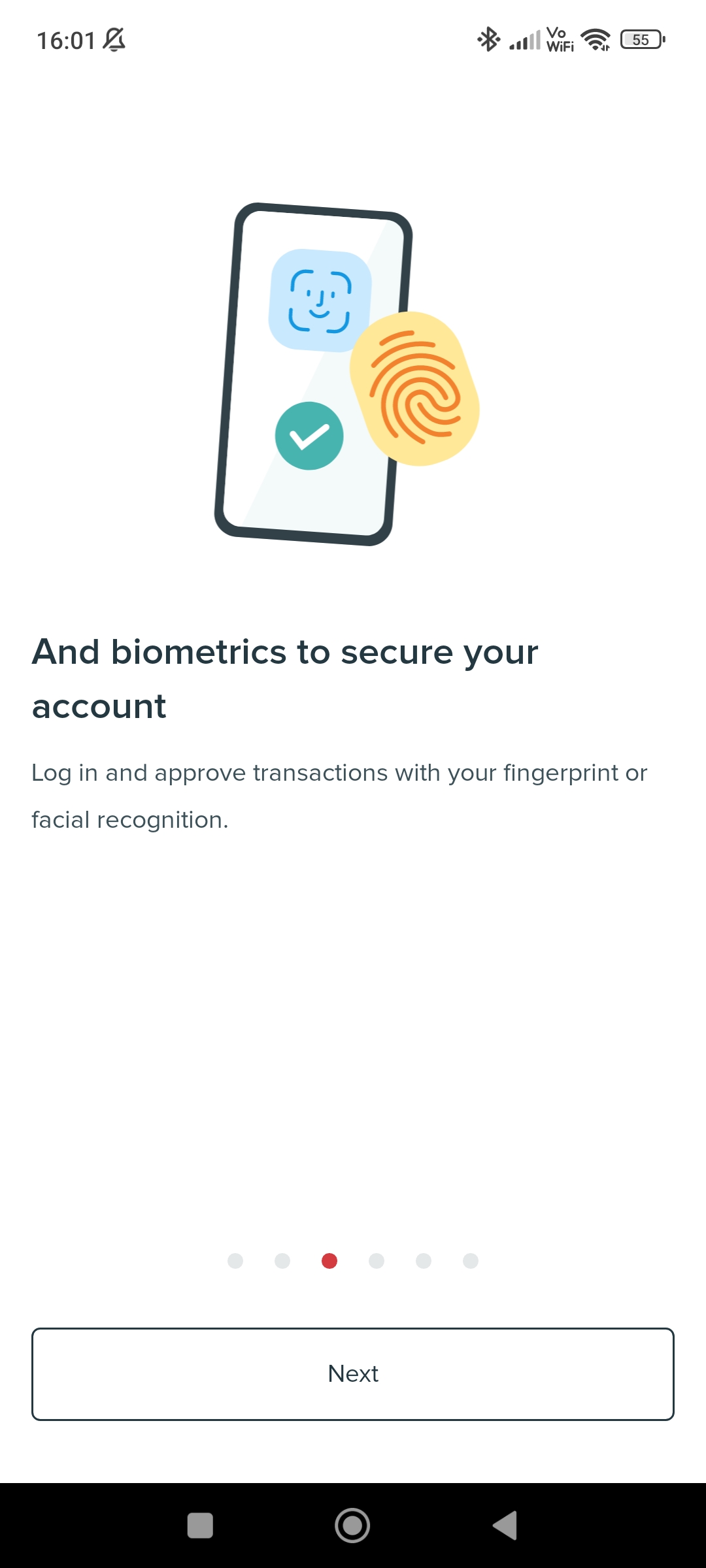
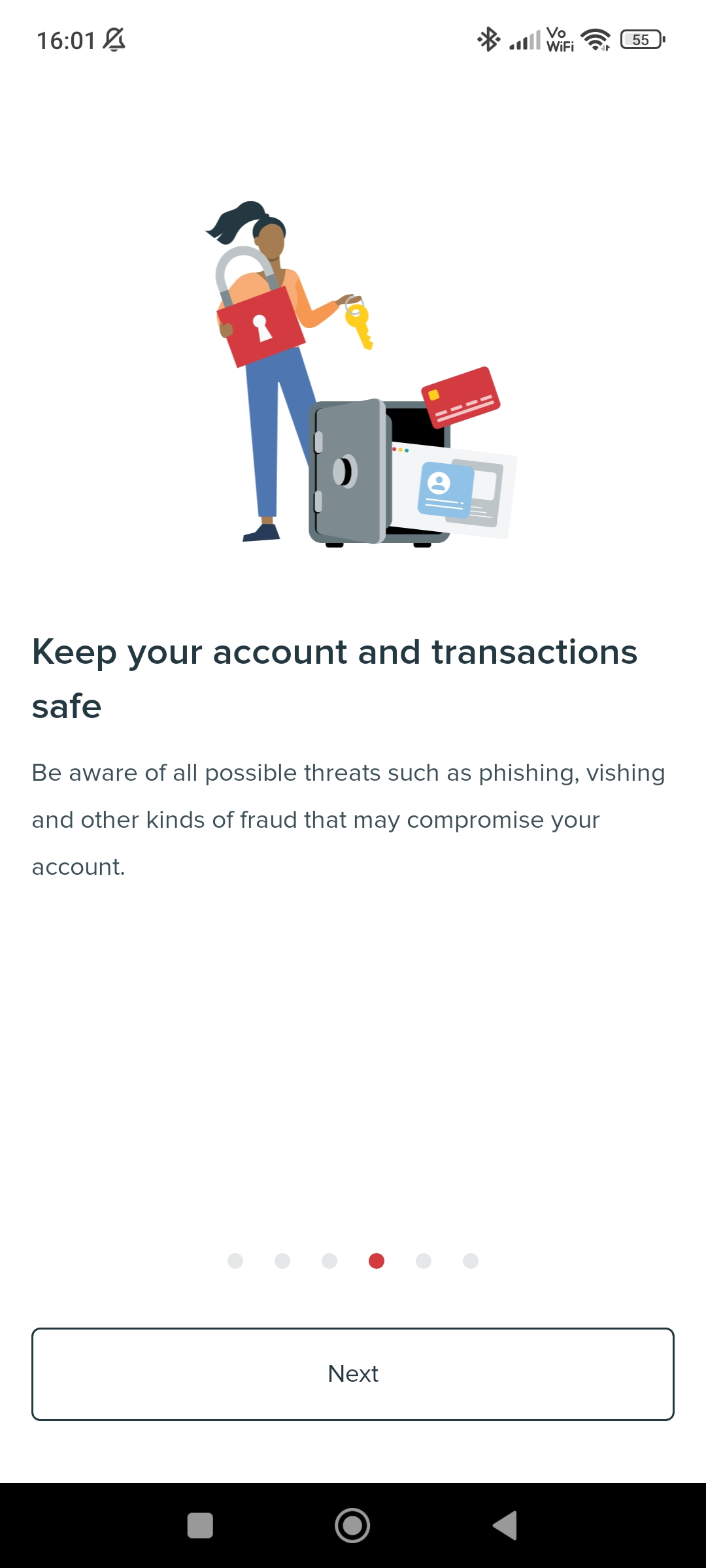
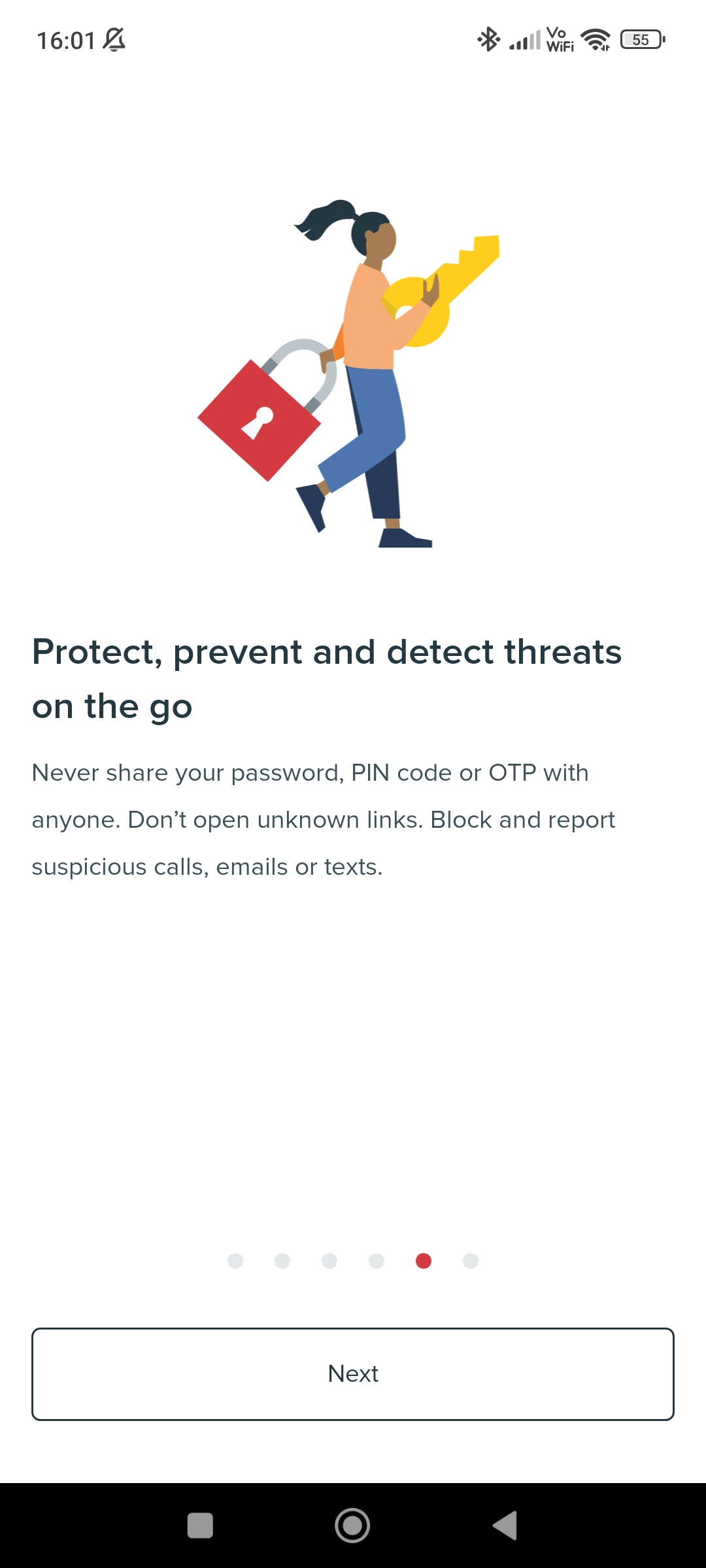
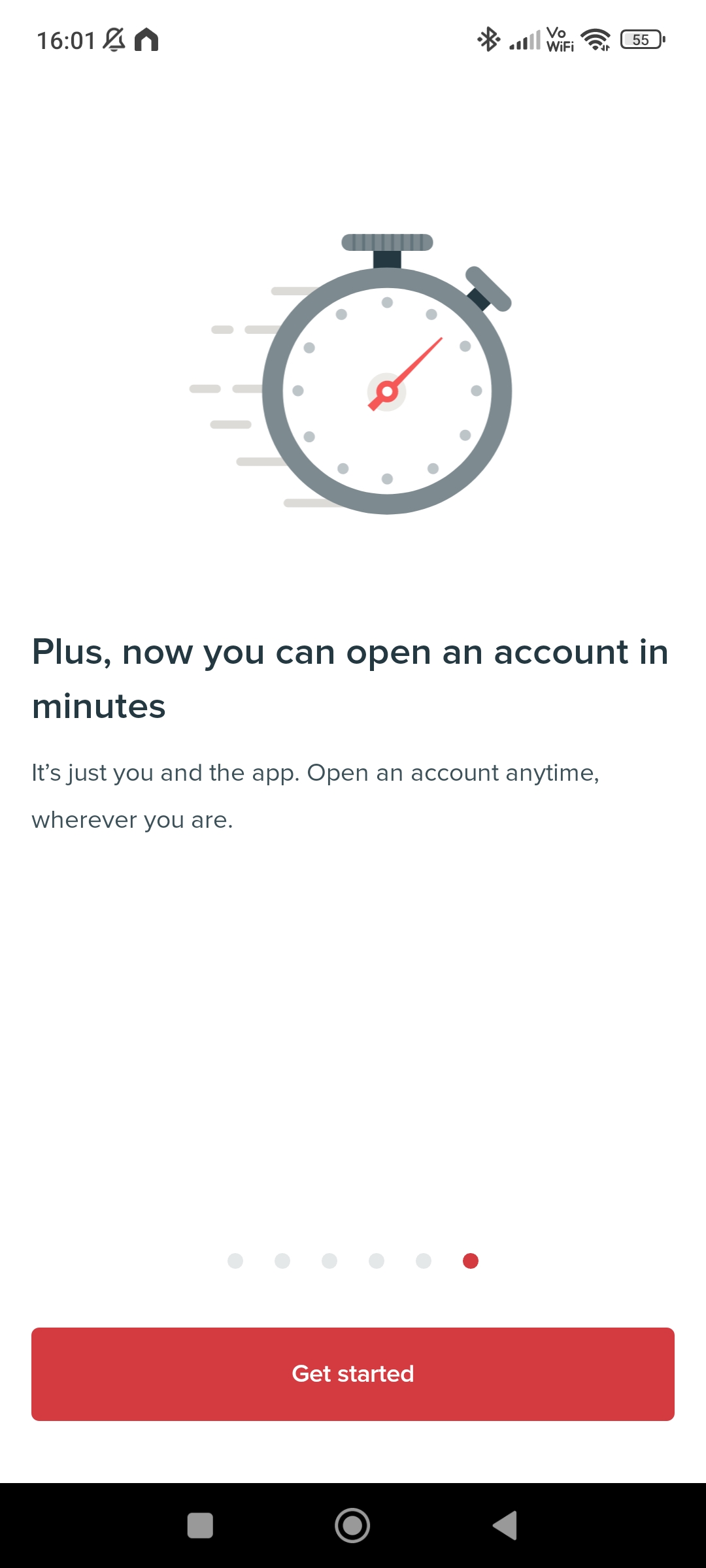
01. Open the mobile application and you will be greeted with some welcome messages, features and advantages.
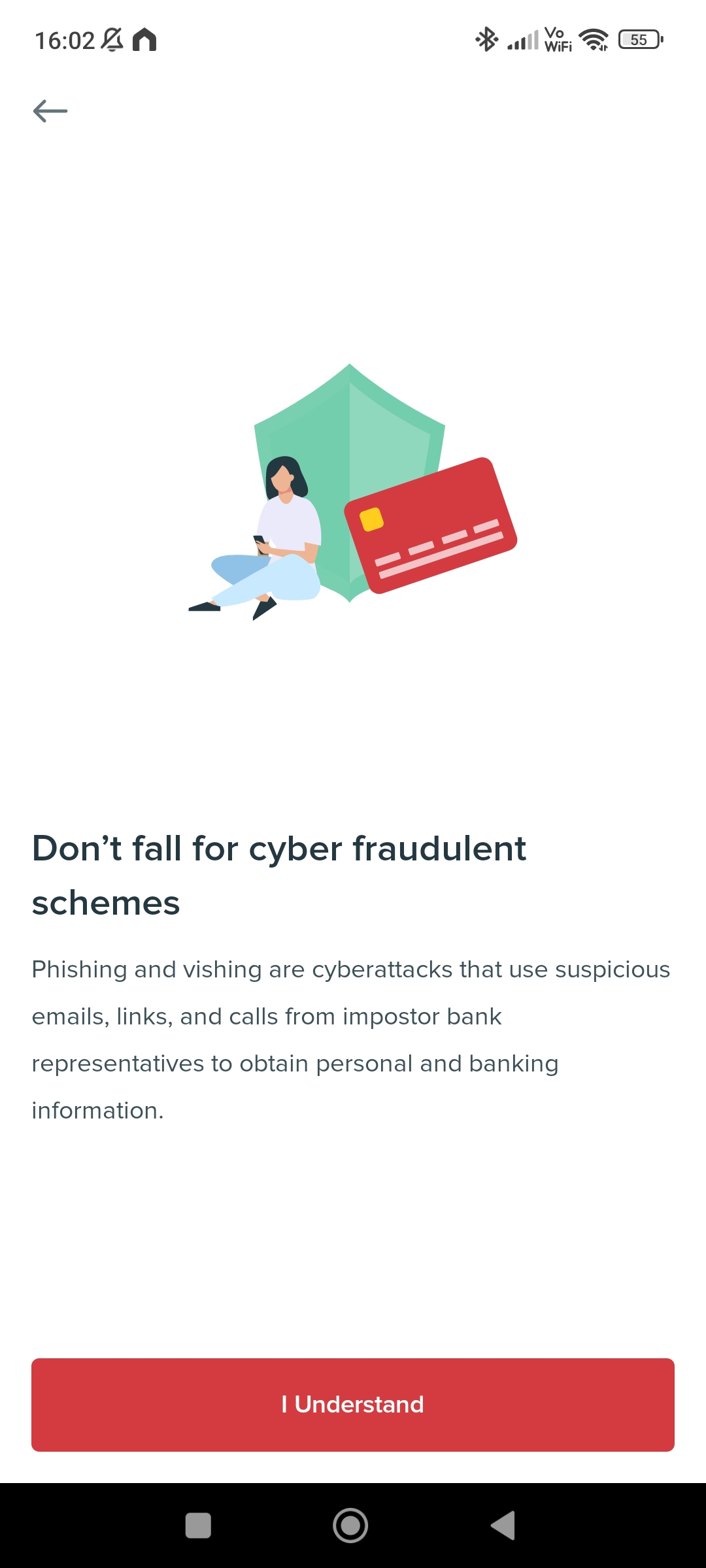
03. Some important messages will be shown. Continue by pressing the “I Understand button”.
04. A reminder will be shown that you would need atleast 1 valid identification card. The following are the acceptable IDs that can be used:
- Driver’s License
- Passport
- Postal ID
- PRC ID
- SSS ID
- UMID
- National ID


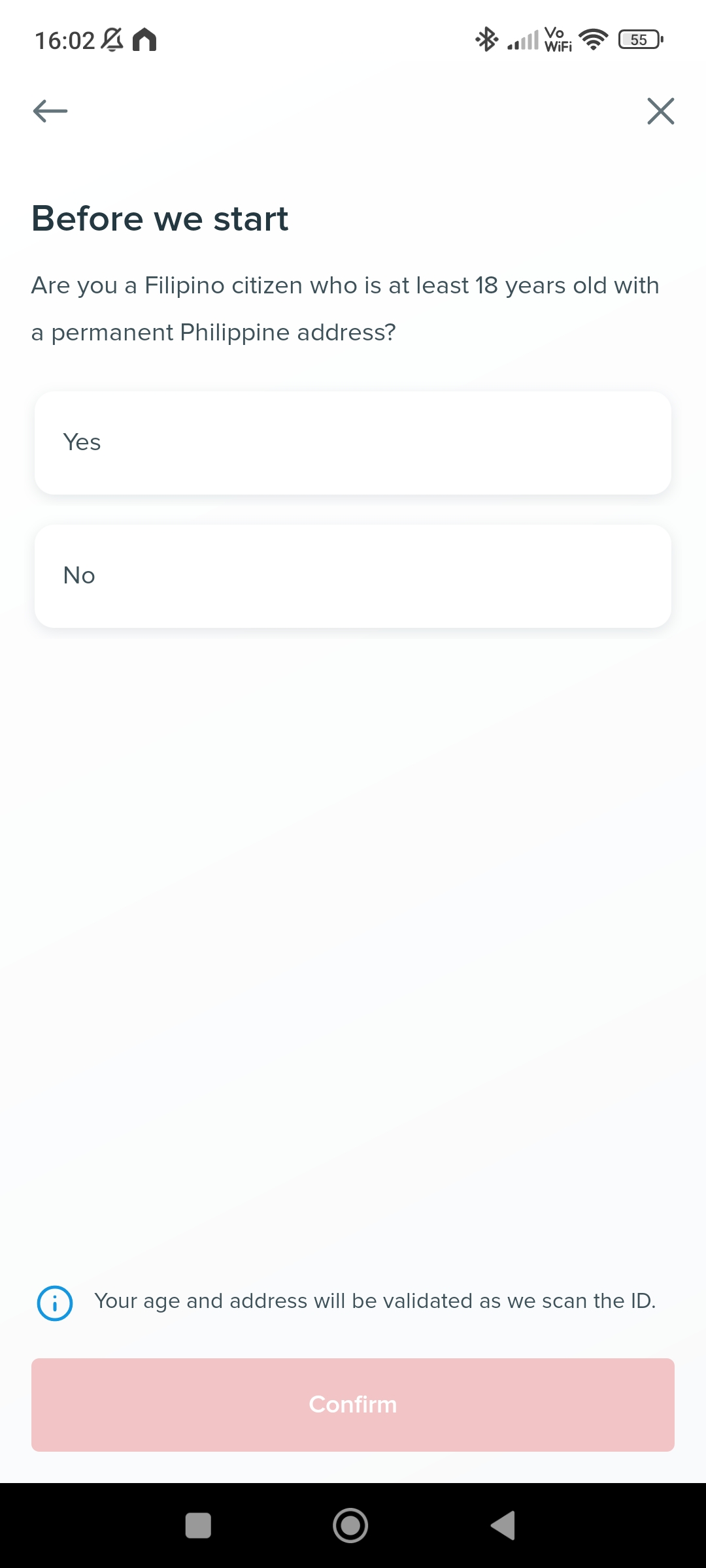
05. A question on being a Filipino, of legal age of 18, and a permanent address in the Philippines must be confirmed.
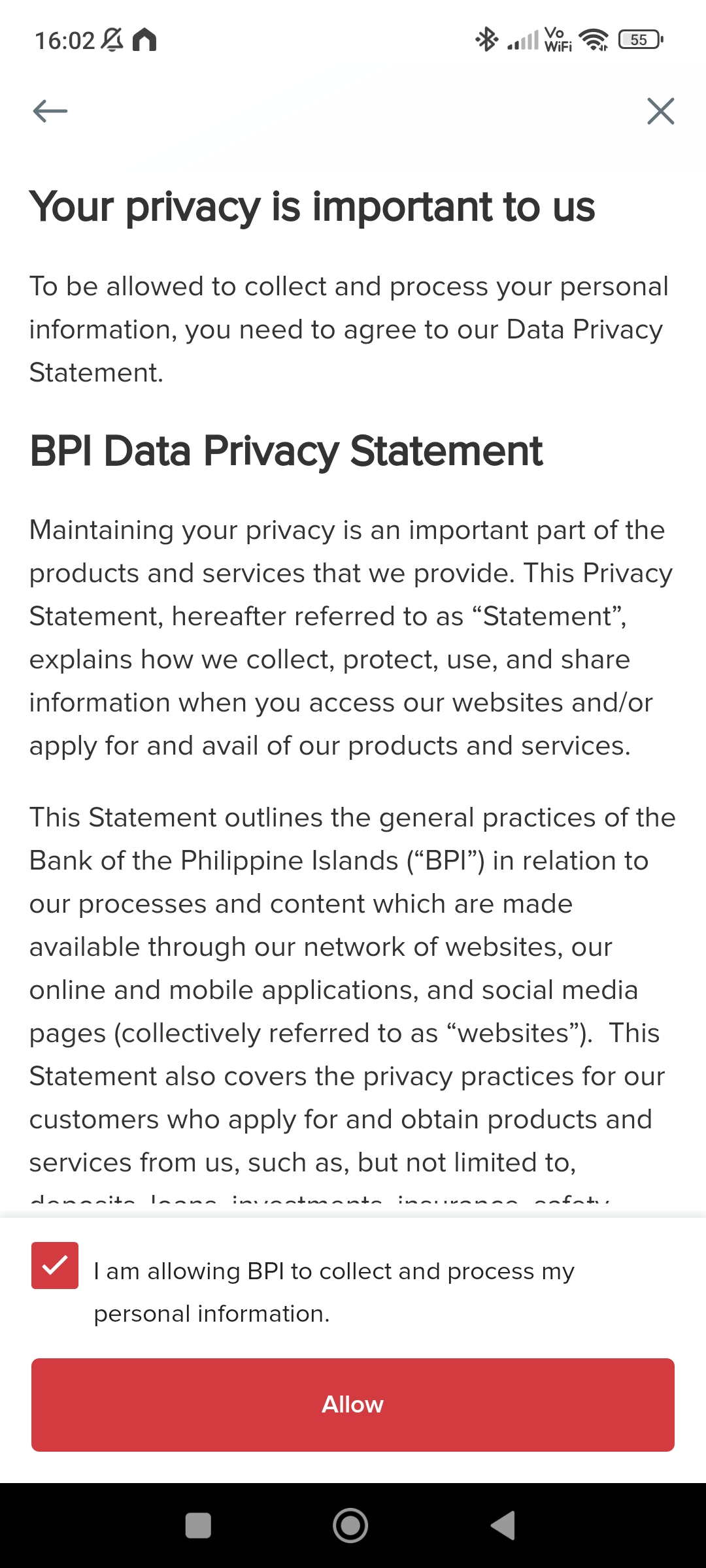
06. Read the privacy statement, and confirm it by selecting the checkbox, then the “Allow” button.
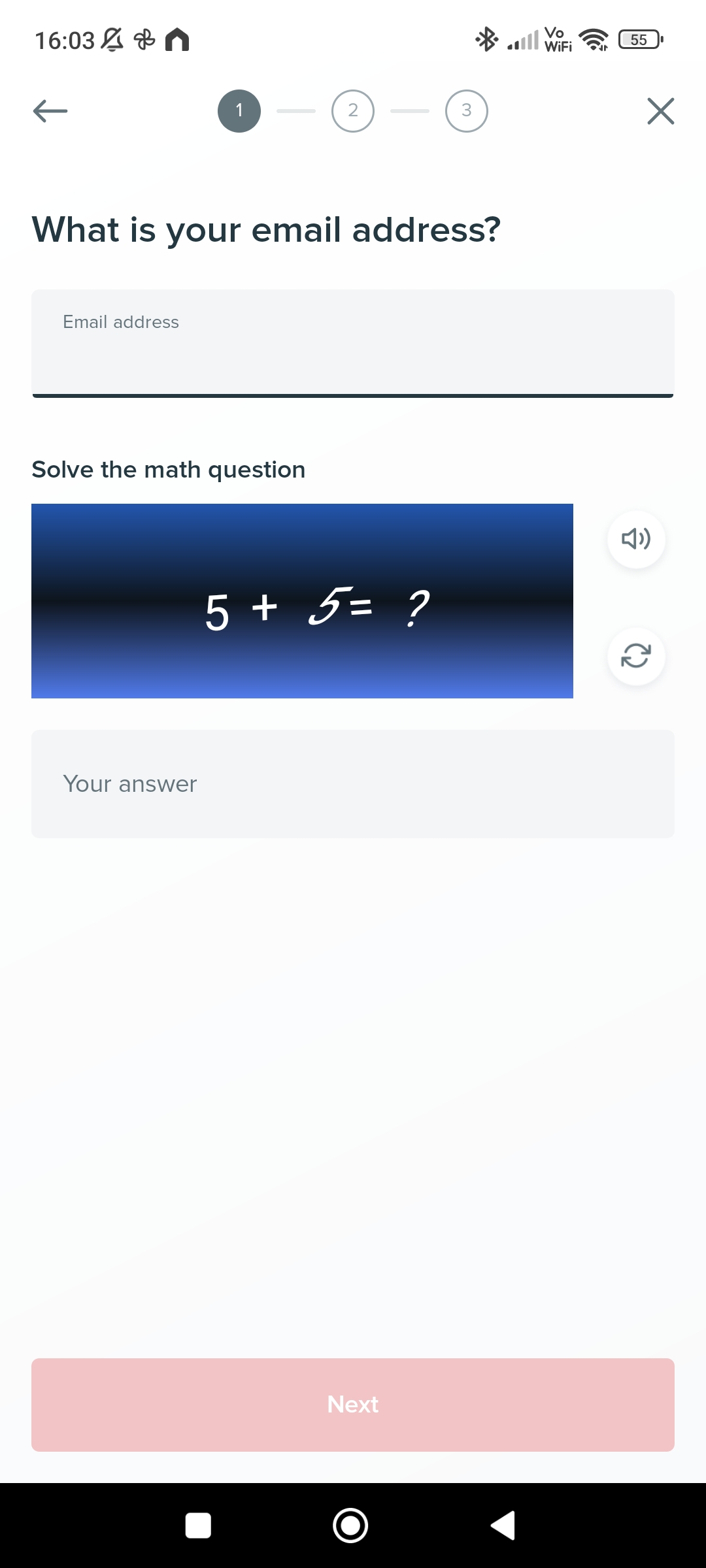
07. Enter your email address and solve the math question to confirm that you are not a robot.
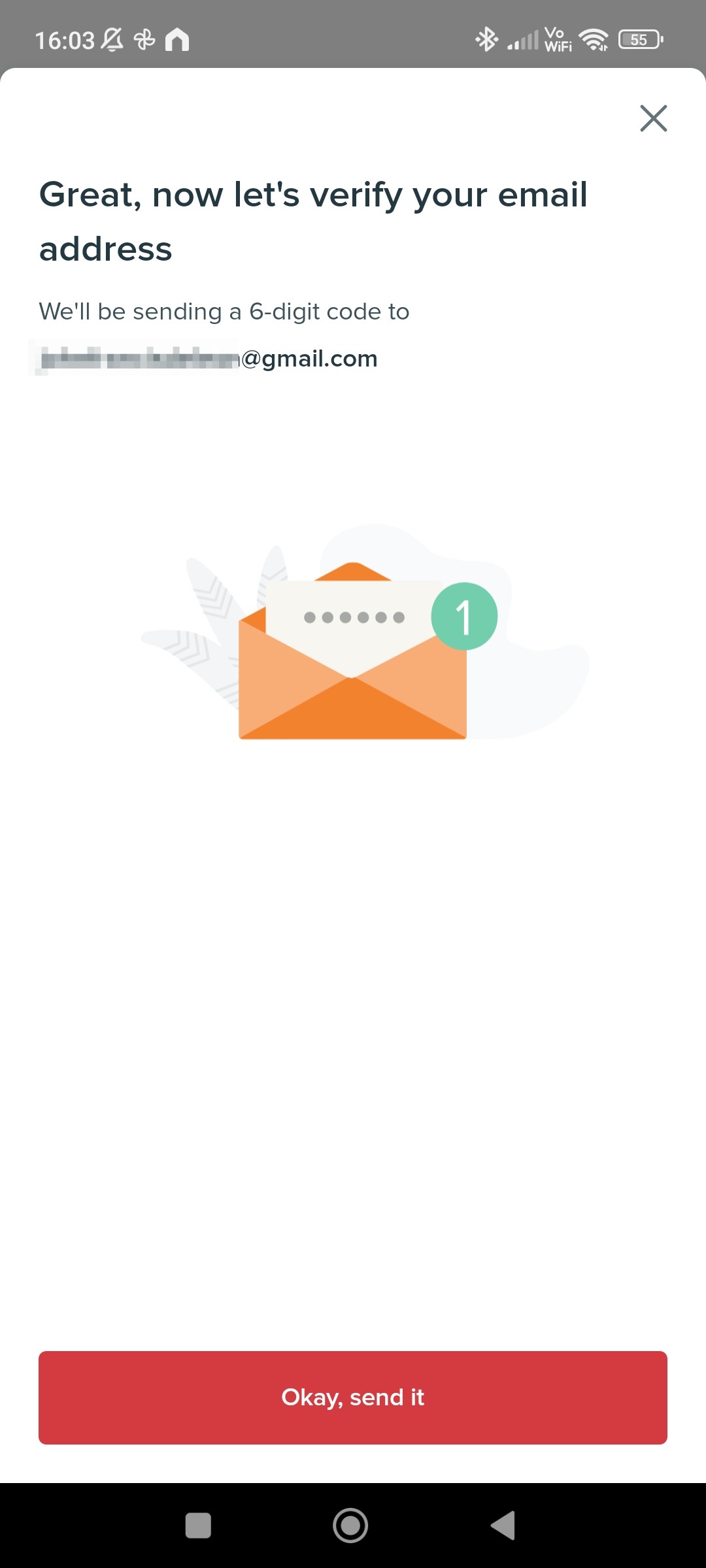
08. A confirmation email will be sent through your email address that will contain a verification code.
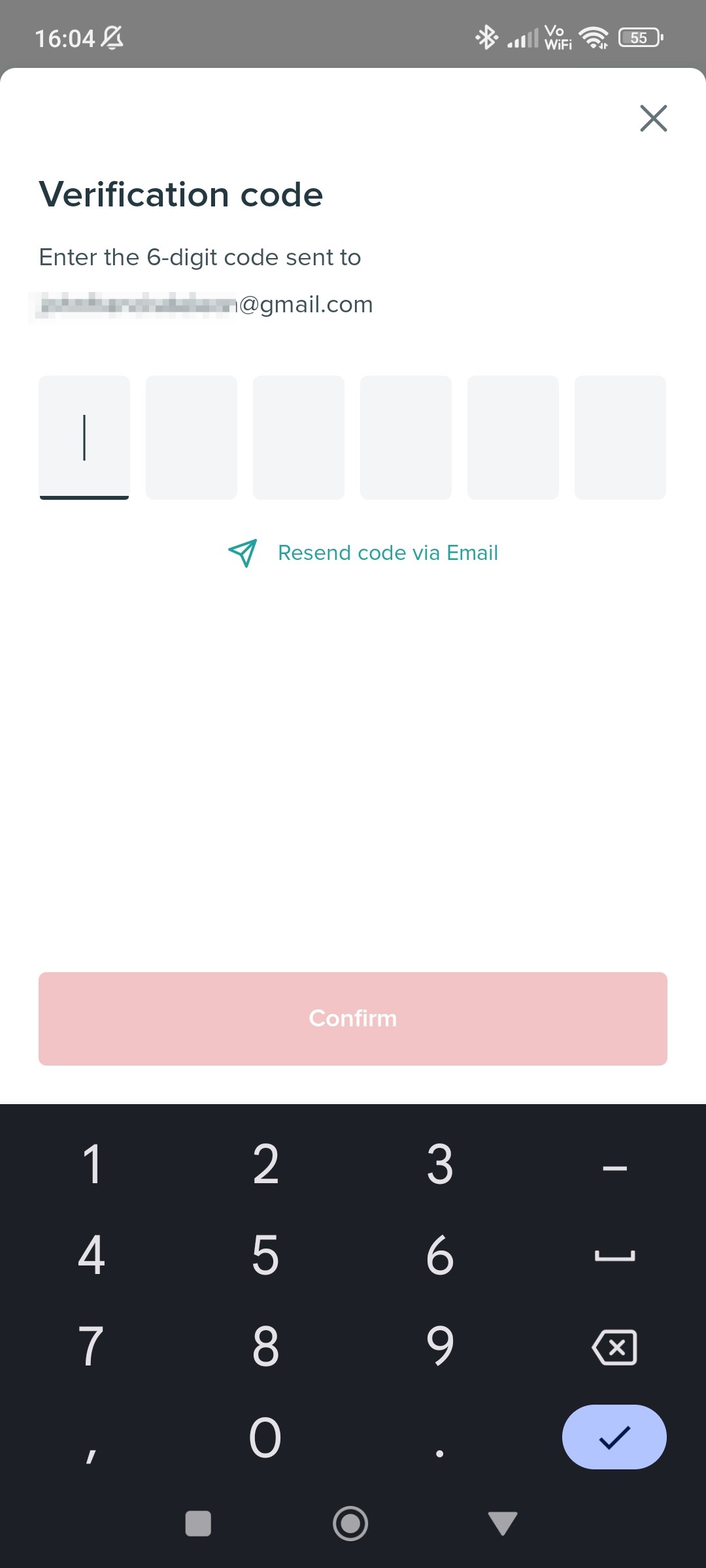
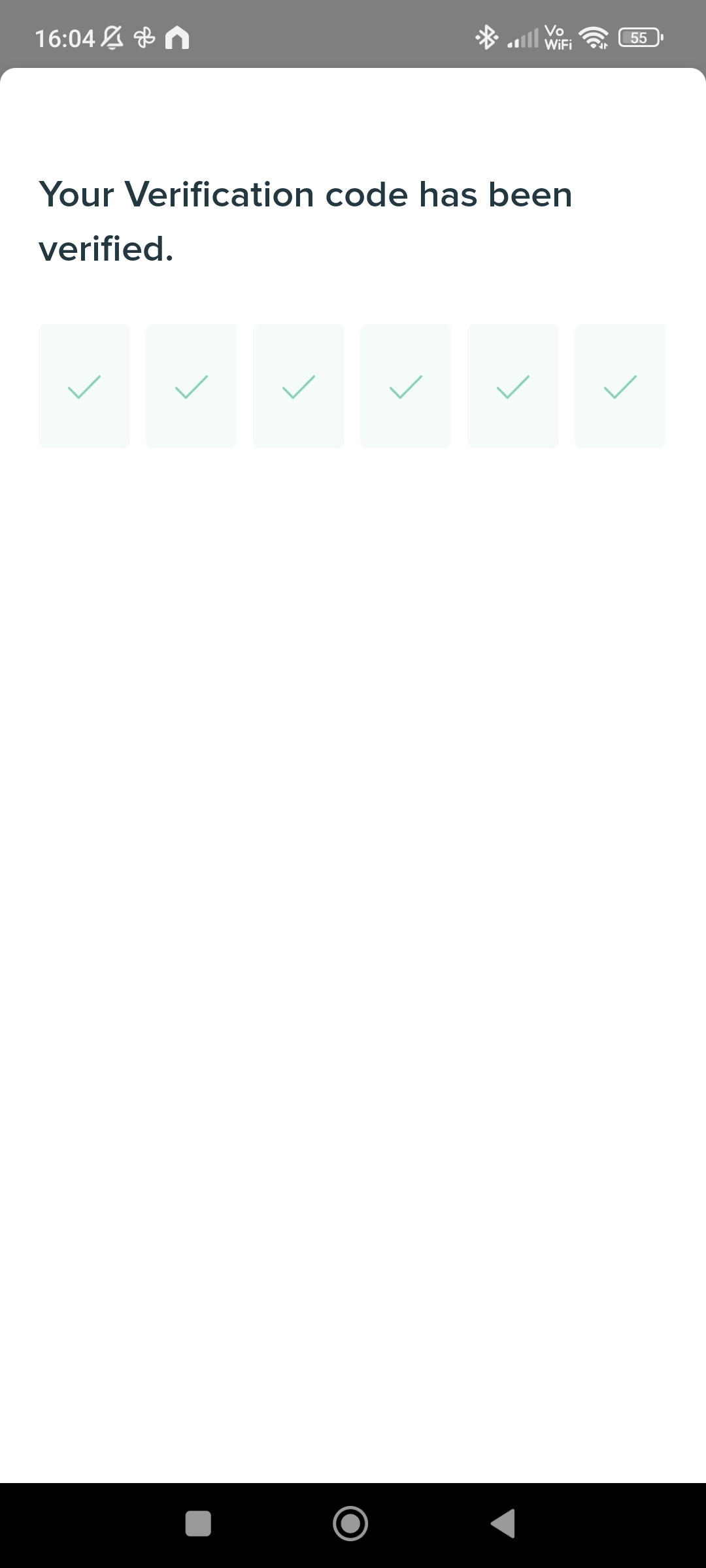
09. Input the verification code and continue.
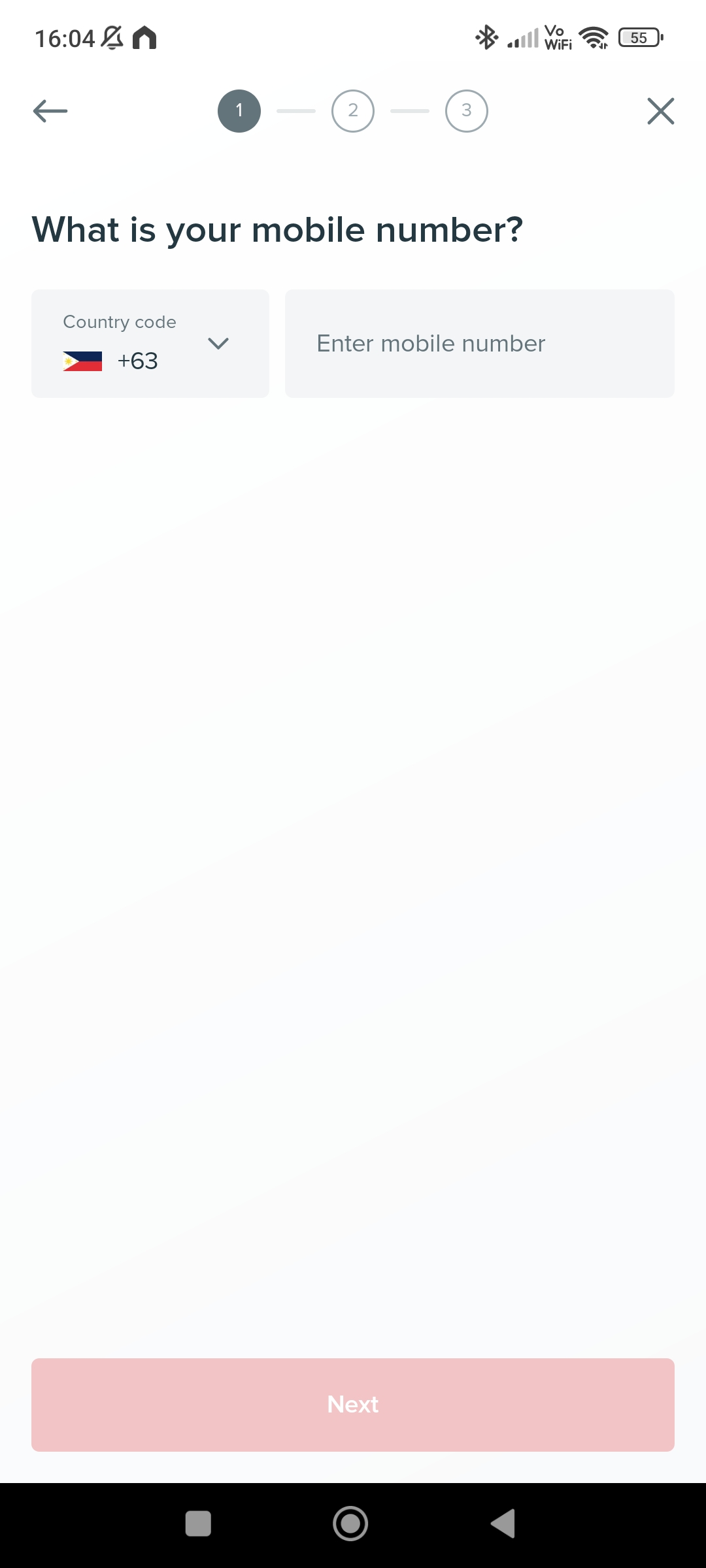
10. Next, is to enter your mobile number. If you are overseas and with your roaming number, you can use that number.
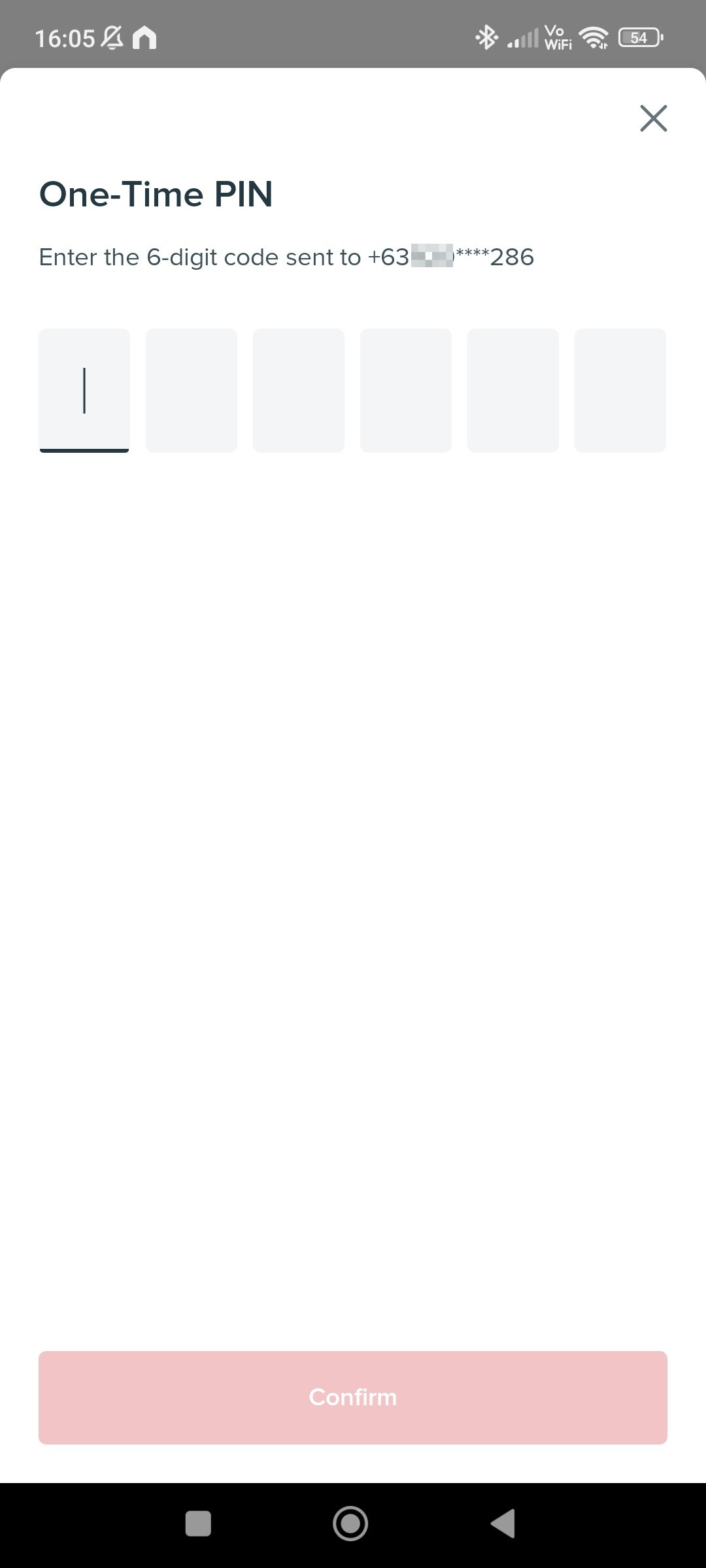
11. A One-Time PIN will be sent through an SMS. Input it, and confirm.
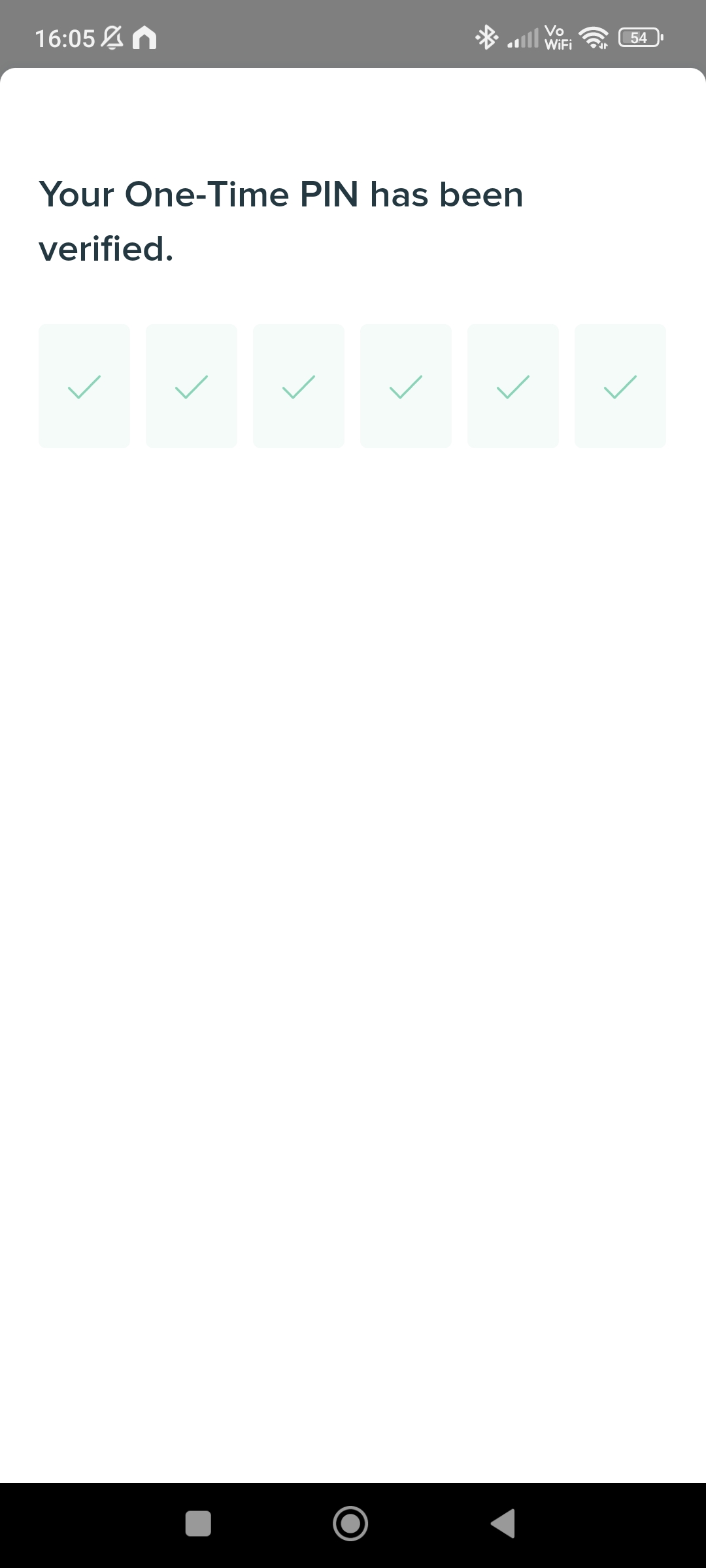
12. Once you have been verified. Select the type of account you want to open, in this example, we are opening a savings account, also called as “BPI #SaveUp”. Select that open.
13. A series of Terms and Conditions will be shown, read it and continue.


14. Next is to enter your personal details. These includes your name, birthdate, country of birth and city of birth.
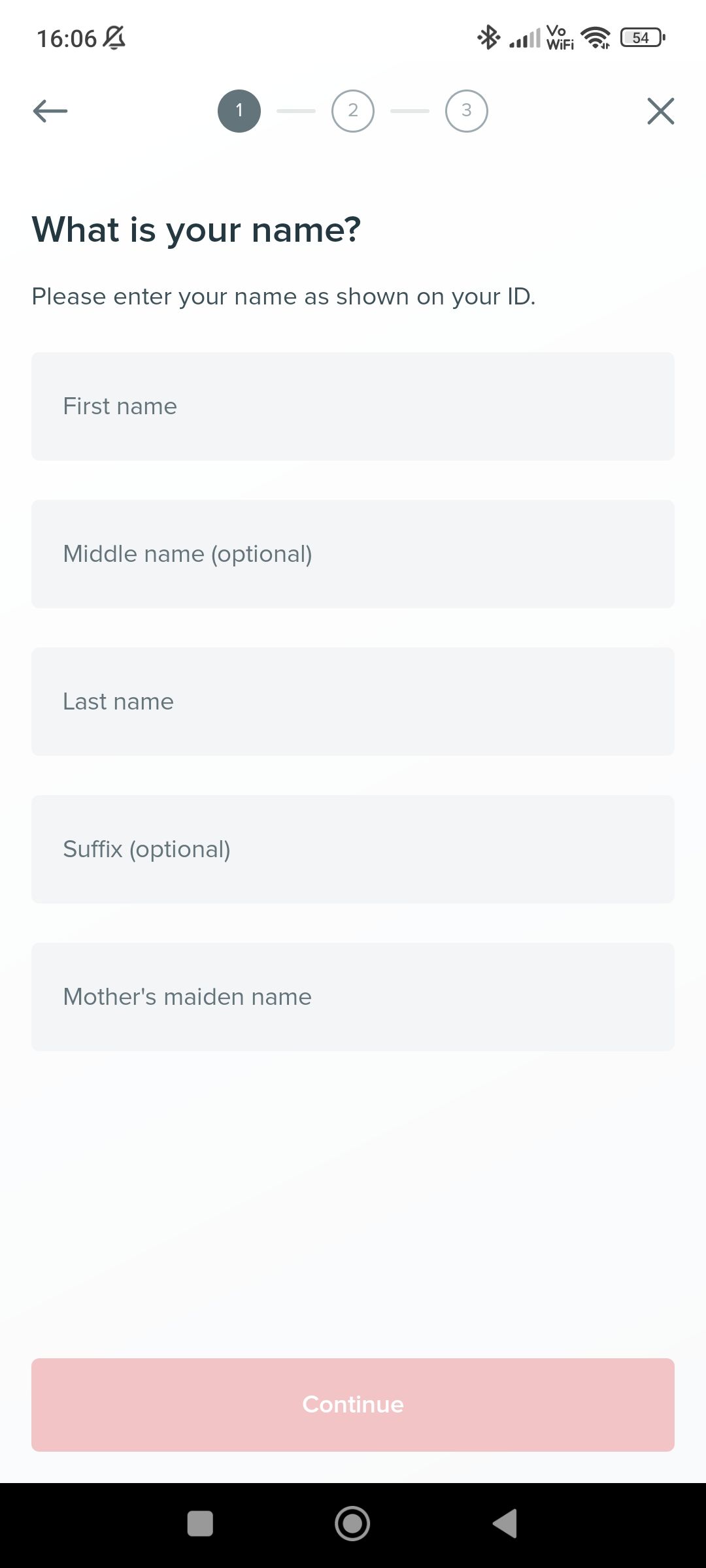
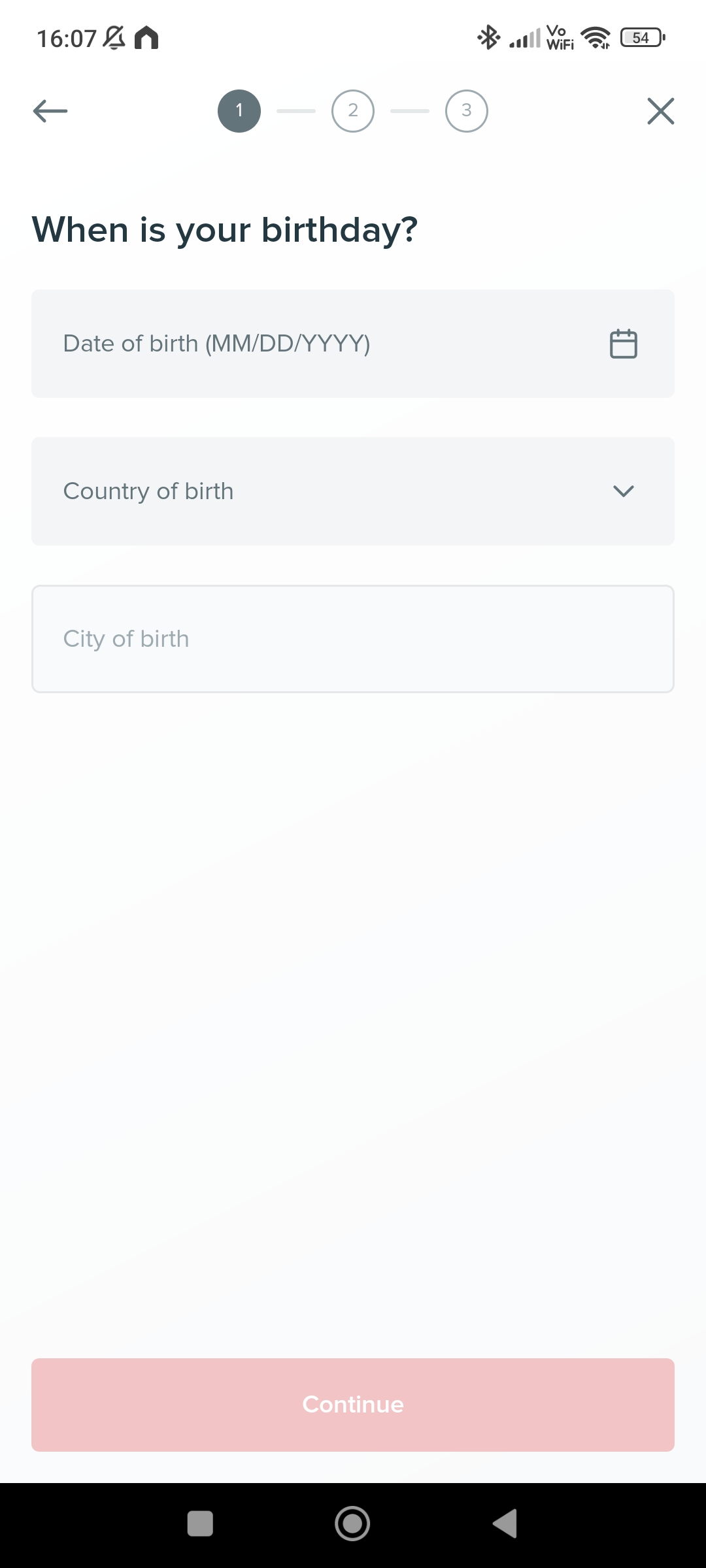
15. For the next part, are the gender, martial status, work details. Fill up these information and continue.


The next part involves scanning your selected valid ID and performing a selfie. Complete these steps and you will be done for the 1st part.
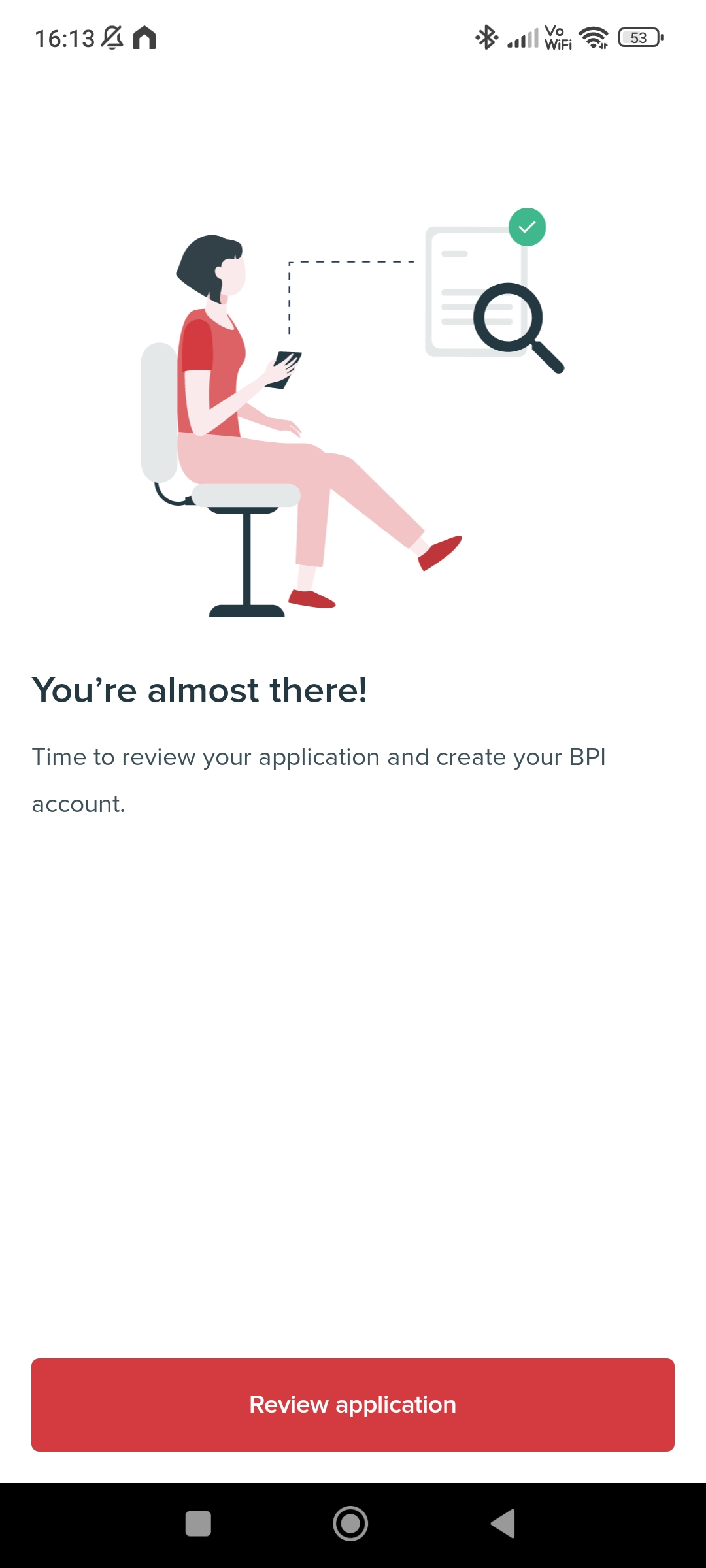
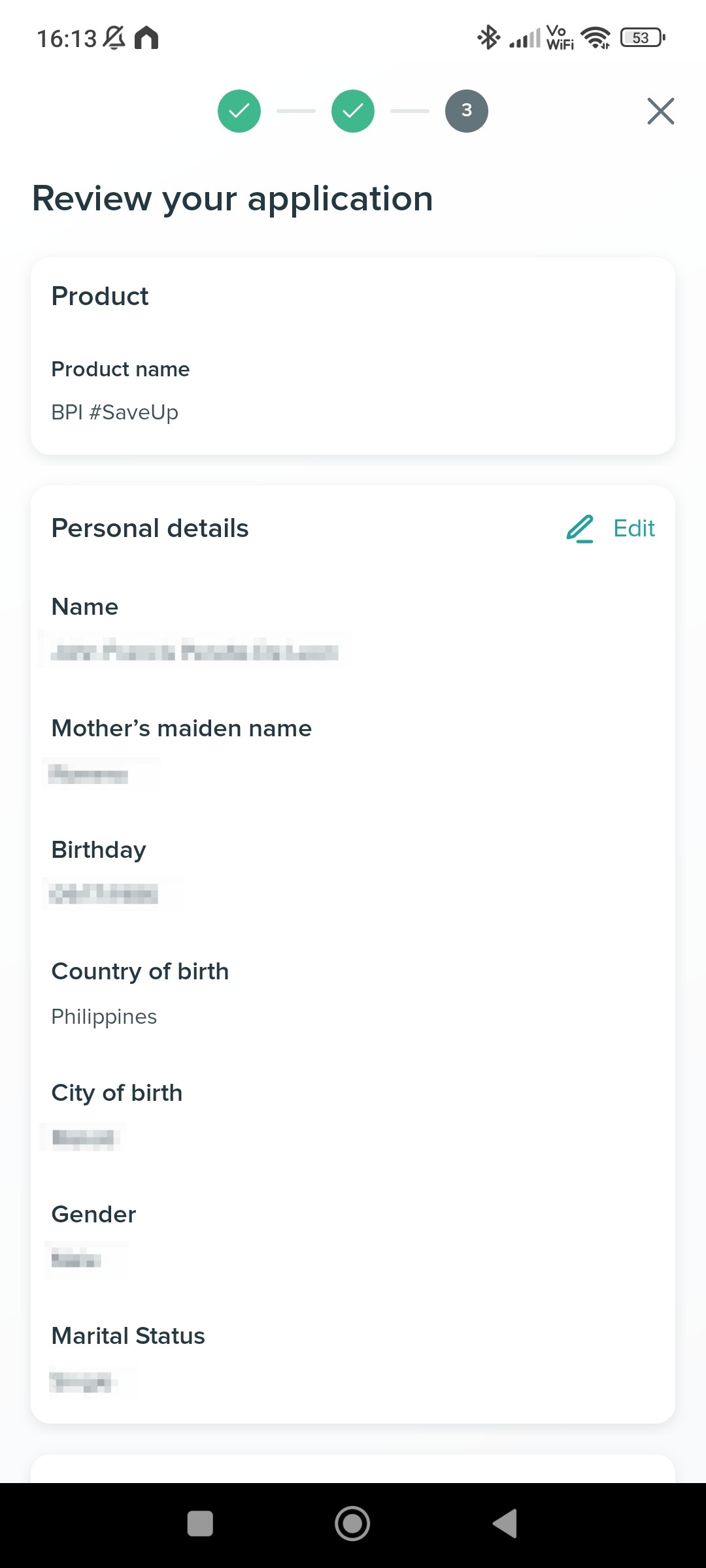
16. A summary of your information will be displayed. Review these and continue.
17. Next is to create your online banking account. These are the username and password.
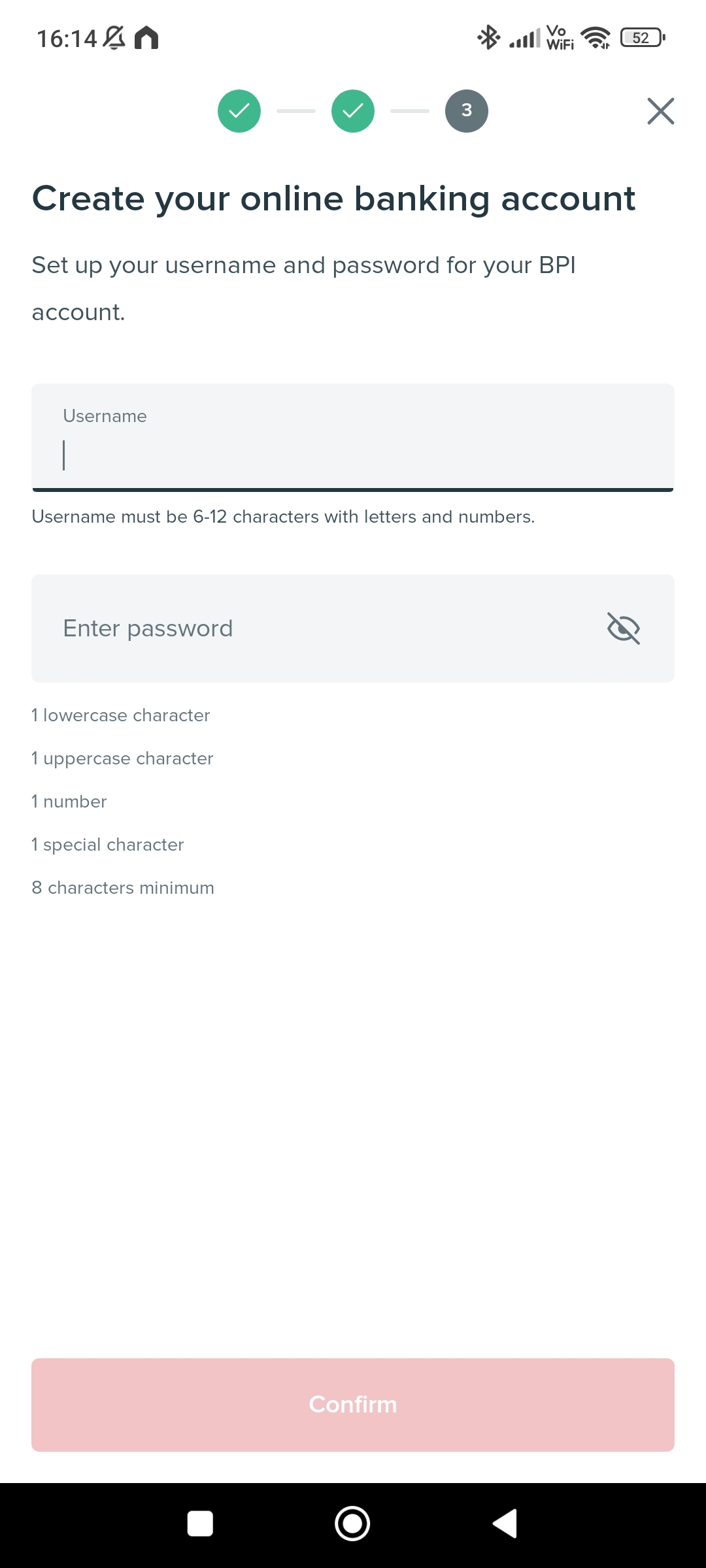
The username has the following requirements:
- 6 to 12 characters
- must include letters and numbers
The password has the following requirements:
- 1 lowercase character
- 1 uppercase character
- 1 number
- 1 special character
- 8 characters minimum
Once created, your account number will be shown. And you have now successfully created your BPI savings account as well as an online account.
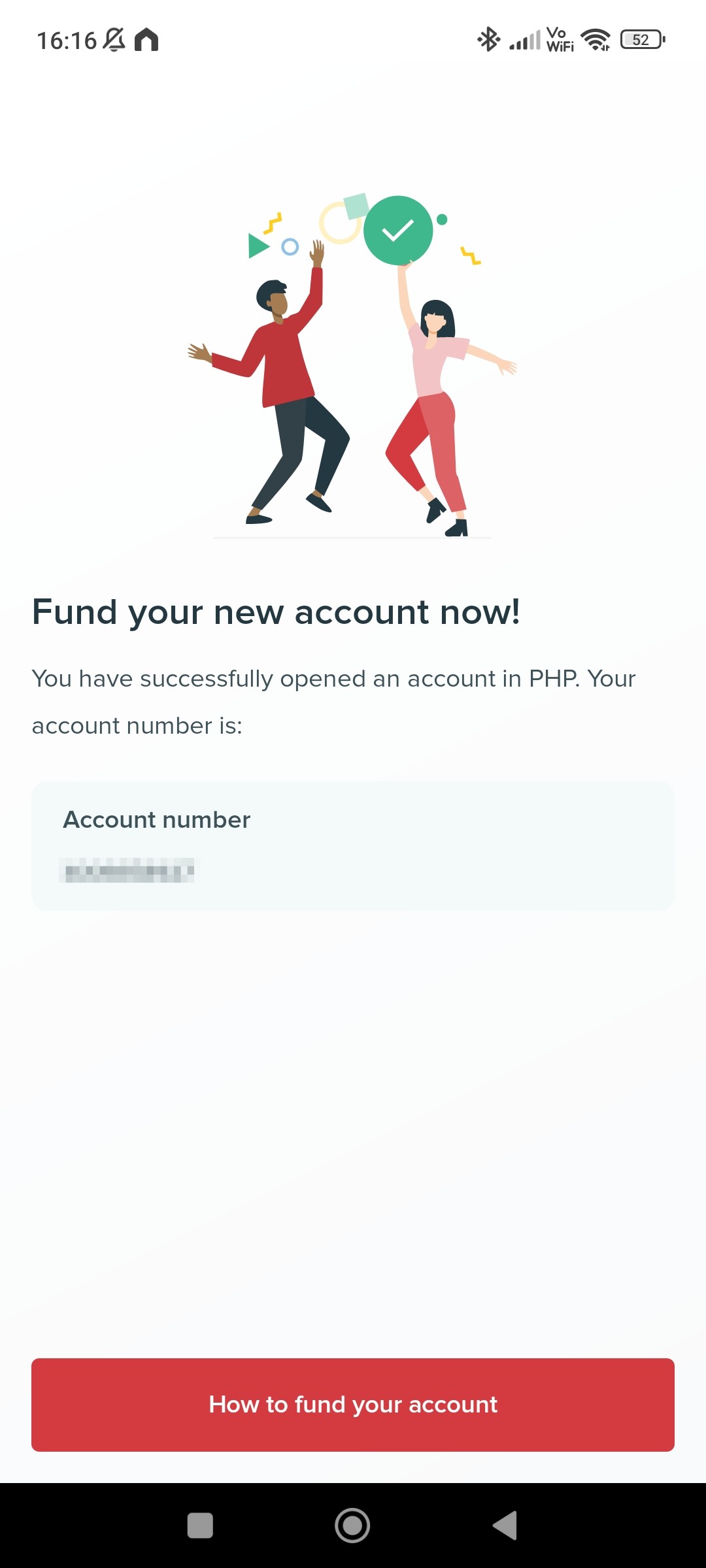
18. Congratulations! You now have bank account with BPI and is accessible online.